If you work in schools, your week is shaped by goals. Every session ties back to one. Every note adds data to one. Every annual review is a conversation about whether this year’s goals were met and what next year’s should be. Depending on where you work, those goals live inside an IEP (United States), an EHCP (England and Wales), an OPP (Netherlands), an ILP (Canada and Australia), or something with a different name and a similar job. The vocabulary changes. The work does not.
This post is about how Therapy withVR can support that work - and, more importantly, about writing goals in a way that does not place the problem on the student. Barriers to communication sit in environments and structures, not in the person. A speech-language professional working from that lens writes goals that measure access, participation, choice, and ease - not production or accuracy targets. (For the broader editorial framework this draws on, see the social model of communication.)
That shift matters. It is possible inside every plan format I am aware of. And it changes what technology like Therapy withVR is for.
What school plans usually require
Most individualized plans ask for similar ingredients:
- A measurable target - something you can demonstrate progress on
- A condition - in what context, with what support
- A criterion - a level of attainment
- A setting - where the skill should be demonstrated
- A time frame - usually annual, with shorter objectives
None of those requirements force the goal itself to be framed around deficit. You can write measurable, criterion-based, context-specific goals that focus on what the student gets to do, rather than on how closely their speech matches a norm. The legal plan format is a container. What goes inside it is a clinical choice.
Reframing goals around access and participation
A deficit-framed goal might read: “The student will produce /s/ in structured conversation with 80% accuracy across 3 consecutive sessions.”
An access-focused version of the same underlying concern might read: “The student will have opportunities to participate in classroom conversations in ways that feel manageable to them, rating their confidence before and after each session, across three different kinds of classroom interactions.” Same measurable structure. Different assumption about where the barrier lives.
Some examples of access-focused goals:
- “The student will build familiarity with speaking situations they have identified as difficult, self-rating their confidence over time.”
- “The student will have practice opportunities for situations they want access to - such as ordering food, introducing themselves, asking for help - in environments that feel close to the real thing.”
- “The student will participate in conversations with unfamiliar avatars across three different settings, choosing how they participate and what they try.”
- “The student will experience classroom speaking tasks in a controlled setting, with the ability to pause, slow down, or change the situation at any time.”
None of those goals say the student has to change. They say the student will gain access to something, or practice something they want to practice, or experience something they previously could not.
Where Therapy withVR fits
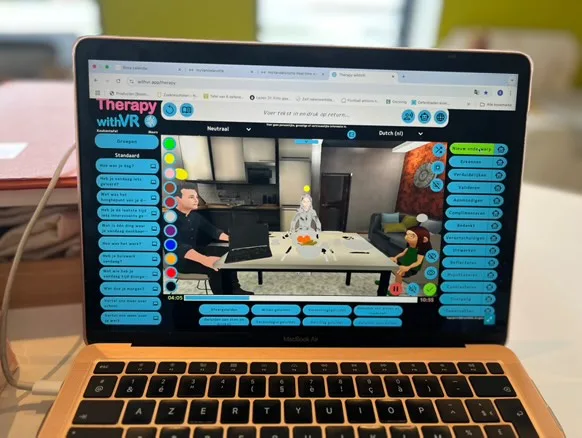
Therapy withVR was built around this framing. The software is not an articulation drill tool and does not produce a speech score. What it does is give the student access to speaking situations they choose - a cafe, a classroom, a bakery, an auditorium - with real-time control over who is there, how those avatars behave, and how intense the experience is.
The Goal feature measures what the student reports, not what a microphone detects. Before each session, the student rates their confidence from 1 to 10 on the skill they want to work on. After the session, they rate it again. That is the progress data - it asks the student how they feel about participating in the situation, not how accurately they articulated a sound.
Mapping a goal to a session
Here is a practical flow from a written goal to a configured session. This works for IEPs, EHCPs, and every equivalent plan I know of.
Step 1 - Build the goal with the student
A goal that is chosen with the student tends to be a goal they engage with. Ask them which situations feel difficult, which feel out of reach, which they want to feel more at home in. Write the goal around their answer.
Step 2 - Create a Profile named after the goal
In Therapy withVR, every profile stores avatar placements, emotions, sentence groups, voices, duration, and goals separately for each situation. Name profiles after the goal they serve - not the student. Examples:
- “Introductions with peers”
- “Ordering at a counter”
- “Answering teacher questions”
- “Reading aloud in small groups”
When you return to the profile next week, everything is still there. Another student working on a similar goal can use the same profile.
Step 3 - Choose a situation that matches
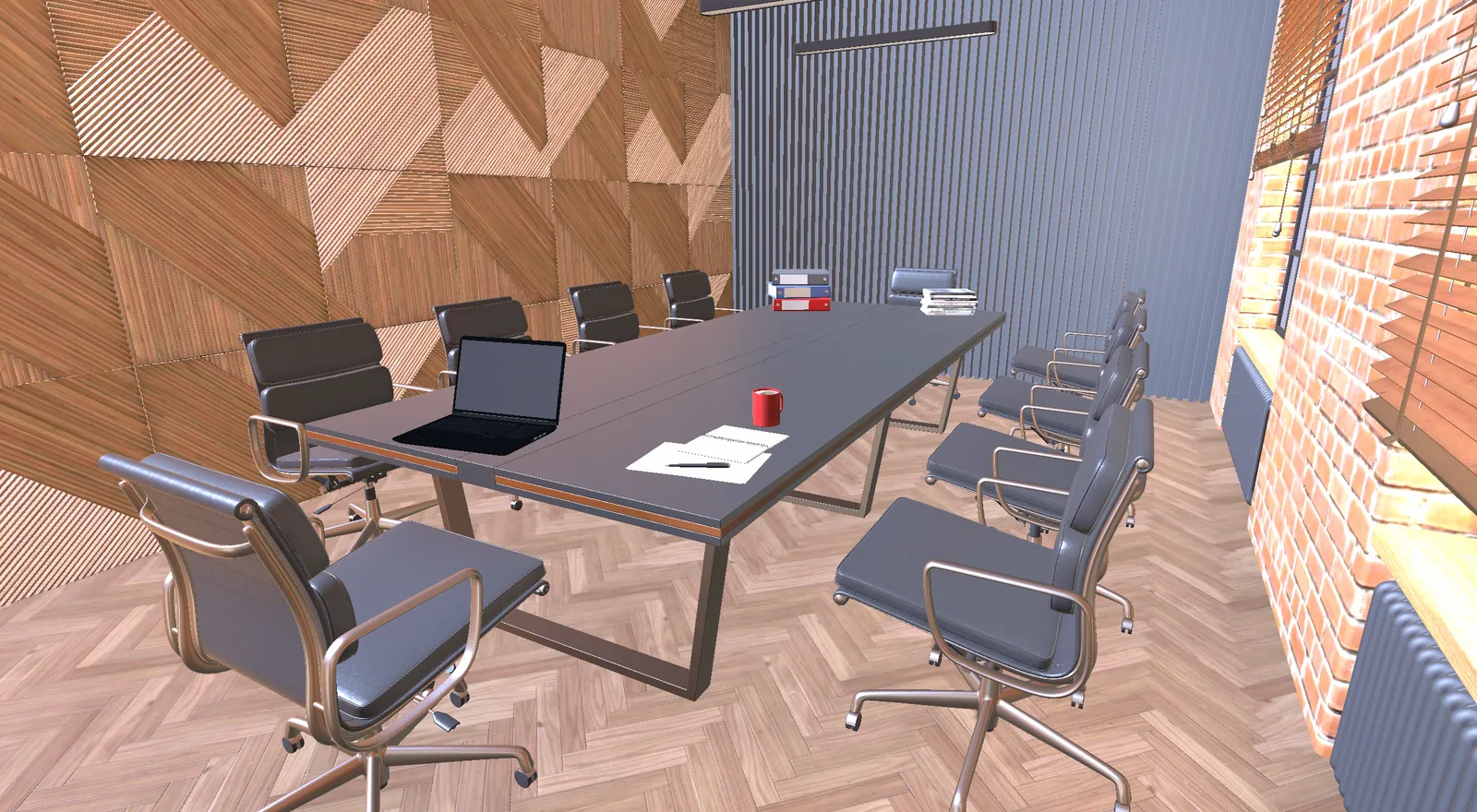
If the goal is about ordering food, use the Café or the Bakery. If it is about classroom participation, use the Classroom. If it is about introducing themselves to an unfamiliar adult, use the Reception or the Meeting Room. Let the student choose.
Step 4 - Prepare a sentence group
In Setup, open the Sentences tab and fill one sentence group with utterances the student wants to try. Keep the list tight. The student is not being scored on how they say these - they are using them to explore the situation.
Step 5 - Set a short duration
Service minutes in schools are typically 20 or 30 minutes. Set the Maximum Duration in Therapy withVR to 5-10 minutes so the VR portion fits inside the overall session with time for regulation, reflection, and conversation.
Step 6 - Use the Goal feature for pre and post ratings
Before the session starts, the Goal screen asks the student to rate their confidence. After the session, the same screen appears again. Paste those ratings into your progress notes. The trend over weeks is the progress data the plan review needs.
Generalization across settings
Plans generally ask for evidence that a skill is demonstrated across settings. Reframed around access, “generalization” is about the student having access in more environments - not about the skill being proven in enough places.
Duplicate the profile across different situations. The same “introductions” goal can be practiced in the Café (casual, one person), the Classroom (peers), and the Reception (an unfamiliar adult). At the annual review, you can show the student’s self-rated confidence across three different settings - and, importantly, you can describe what situations the student now feels they can participate in that previously felt closed to them.
Avoiding deficit language inside the plan
Even if the goal itself is framed around access, deficit language can creep into the benchmarks, the present levels, and the progress notes. Some practical substitutions:
- Instead of “80% accuracy” - “confidence rating of 7 or above”
- Instead of “will produce” - “will have opportunities to practice”
- Instead of “lacks” - “does not yet have access to”
- Instead of “struggles with” - “finds inaccessible” or “identifies as challenging”
The underlying legal structure accepts any of these. The plan does not require deficit language.
A template you can copy
A plain-text version you can paste into your plan management system and adapt for the student in front of you.
Target:              A situation the student wants access to
Condition:           A chosen environment practiced in Therapy withVR
Criterion:           Self-rated confidence (e.g. 7 or above)
Setting:             Multiple situations across sessions
Data:                Pre and post Goal feature ratings
Evidence of access:  Student-reported change in situations they
                     feel able to participate in
A privacy note for school settings
School settings introduce specific privacy obligations. In the US, FERPA applies. In the UK and EU, GDPR and child-specific rules apply. The safest approach in every setting is to minimize the student data that enters the software.
Do not enter student names, diagnoses, or identifiers into profile labels, sentence text, voice recordings, or AI fields in Therapy withVR. Use role-based profile names (“Introductions - Grade 2”). Use generic placeholders in sentences. If you use AI features, use pseudonyms.
The student’s identifiable records should stay where they already live - in the school’s plan management system - not inside the therapy software.
What Therapy withVR is and is not for
Therapy withVR is a good fit for goals about access, familiarity, practice of situations that matter to the student, and self-rated confidence over time. It gives the student a practice environment they can explore on their own terms.
It is not an articulation drill tool, a standardized assessment, or an automated speech evaluator. For goals that require those, other tools exist - and the clinical choice to use them is yours. But many plan goals that currently get written in deficit terms (“80% accuracy on /s/”) can instead be written in access terms (“the student will practice conversations in environments they want to feel at home in”) and served well by situation-based practice.
A plan that centers access tends to produce a student who feels they have more of it. That is the outcome worth measuring.
Further reading
- Setup: Preparing a Situation - How to configure avatars, sentences, and goals in Therapy withVR
- Use Cases in the Documentation - Real examples from school-based practitioners
- Technology Checklist for SLPs - Evaluating any technology for school use, including privacy and child-specific considerations
- withVR Evidence Hub - Peer-reviewed research on VR in speech and language work
- Further reading - Books and communities that shape current practice